AI-generated images, videos, and audio are becoming increasingly difficult to identify by sight alone. Strange-looking hands and garbled text were once useful clues, but newer AI models produce far more convincing media. This is where the SynthID AI detector can help.
Developed by Google DeepMind, SynthID is a watermarking and verification system for AI-generated content. It embeds an invisible digital signal when supported AI tools create or edit media. The watermark is not visible or audible, but SynthID can examine the file later and determine whether the signal is present.
For teachers, this makes SynthID useful for media literacy lessons. Students can investigate the origins of an image, video, or audio clip and discuss what a verification result does, and does not, tell them.
What Is SynthID?
SynthID consists of two connected technologies:
- A watermark is added when a supported AI system generates content.
- A detector examines the content later and searches for that watermark.
Unlike a logo placed in the corner of an image, the watermark is embedded directly within the content. For images and videos, it is incorporated into pixels or video frames. For audio, the signal is built into the sound without being audible to listeners.
Google says these watermarks are designed to remain detectable after common changes such as cropping, resizing, applying filters, compressing a file, or adjusting playback speed. They are more difficult to remove accidentally than ordinary metadata, which can disappear when a file is downloaded, edited, or shared through another platform.
Google has also developed SynthID watermarking for text generated through Gemini. Text watermarking works differently: it subtly adjusts the probability of particular tokens appearing during generation. However, the public SynthID Detector currently focuses on uploaded images, videos, and audio rather than functioning as a general essay detector.
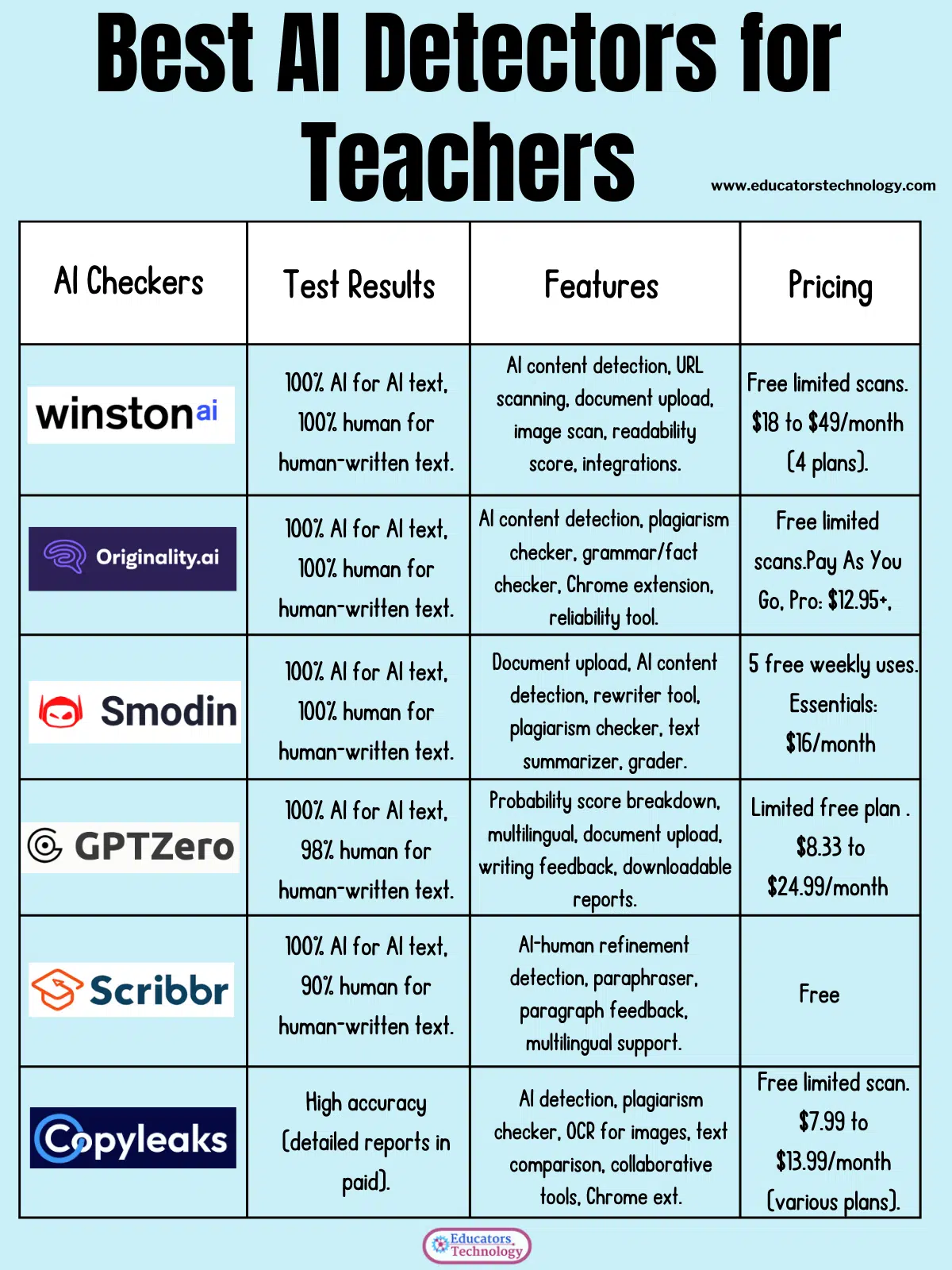
Related: Best AI Detectors for Teachers
What Can the SynthID AI Detector Check?
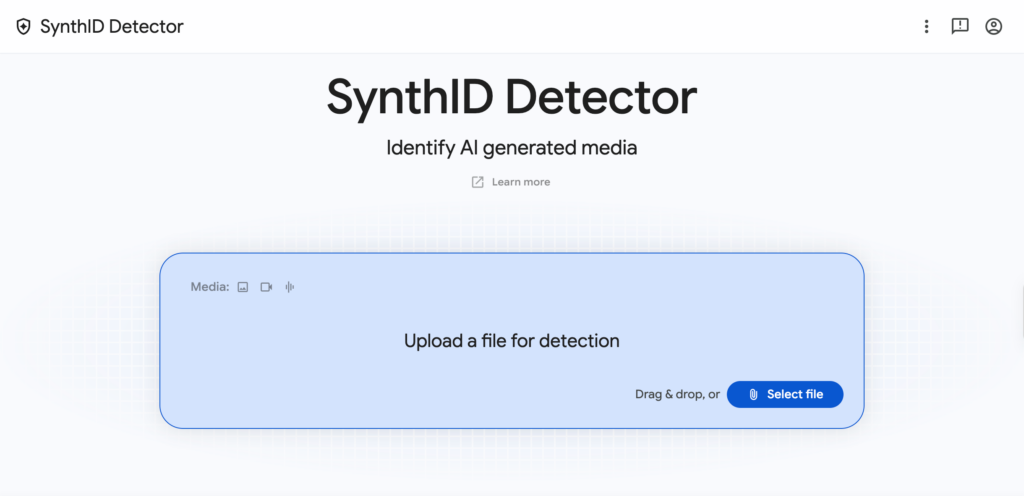
The SynthID Detector allows users to upload a media file and check whether it contains a recognized SynthID watermark.
| Media type | What SynthID examines |
|---|---|
| Images | Invisible signals embedded in the image pixels |
| Videos | Watermarks appearing within video frames or segments |
| Audio | Inaudible signals embedded in generated sound |
| Text | Watermarking technology exists, but the public media detector should not be treated as a general AI-writing detector |
The detector began with Google-generated media. According to Google DeepMind, its coverage is expanding to supported content from partners, including OpenAI, NVIDIA, Kakao, and, in the future, Apple. Coverage will therefore depend on which tool generated the media and whether that tool applied a compatible watermark.
Teachers can also check supported media through Gemini. A signed-in user uploads one image, video, or audio file and asks a question such as, “Was this created or edited by AI?” Gemini checks for a SynthID watermark and may also examine Content Credentials when they are available.
How Teachers Can Use SynthID with Students
SynthID becomes more educationally valuable when students use it as part of an investigation instead of treating it as a machine that supplies the final answer.
Investigate AI-generated media
Give students a small collection containing conventional photographs, AI-generated images, and edited media. Ask them to inspect each example before using SynthID.
Students can record:
- Whether they think the media is authentic, edited, or generated
- The visual or auditory clues behind their judgment
- What SynthID reports
- Whether the result changes their initial conclusion
- What additional evidence they would need
This activity helps students compare human judgment with technical verification. It can also demonstrate how unreliable appearance alone has become.
Examine viral images and videos
When a suspicious image or video circulates online, students can use SynthID as one step in a wider verification process. They might also conduct a reverse image search, locate the earliest available version, examine the publishing account, and compare the content with reporting from reliable sources.
The goal is to build a verification routine. Students should learn that checking media usually requires several forms of evidence.
Explore how digital watermarks work
SynthID can support lessons about digital provenance: the recorded origin and history of a piece of media. Students can compare an invisible watermark with ordinary metadata and visible labels.
Useful discussion questions include:
- Who should be responsible for labelling AI-generated media?
- Should every AI system use a compatible watermark?
- What happens when a platform removes metadata?
- Could someone deliberately alter a file to avoid detection?
- Does knowing that an image was generated tell us whether its message is false?
These questions connect technical literacy with ethics, responsibility, and online citizenship.
Discuss the meaning of “authentic”
A photograph may be genuine but presented with a false caption. An AI-generated illustration may be clearly labelled and used honestly. A real video may contain a small AI-generated edit.
SynthID can help students separate two questions: “Was AI involved?” and “Can this content be trusted?” These are related questions, but they are not the same.
How to Check Media with SynthID
The process is straightforward:
- Open SynthID Detector.
- Sign in if prompted.
- Upload an image, video, or audio file.
- Wait while the detector checks for a recognized watermark.
- Examine the result and any indication of where the watermark was found.
- Use other verification methods before reaching a final conclusion.
Teachers using Gemini can upload a supported file and ask whether it was generated or edited by Google AI. Google currently limits Gemini verification to one file at a time, with files no larger than 100 MB. Videos must be under 90 seconds, while audio files must be shorter than one hour. Usage quotas also apply.
Important Limitations of SynthID
The most important limitation is that SynthID is not a universal AI detector.
If the system detects a watermark, that is meaningful evidence that a compatible AI tool created or edited at least part of the file. If it does not detect one, the content could still have been generated by an unsupported AI system.
A negative result should never be translated into “This is definitely real.”
Detection may also become uncertain when media has been heavily altered. Simple or abstract images may not contain enough detail to carry a strong signal, while very small edits might not produce a detectable watermark. Google itself describes SynthID as one part of a larger approach to identifying AI-generated content, rather than a complete solution.
This distinction matters in schools. SynthID results should not be used by themselves to accuse a student of misconduct. The tool is much better suited to teaching verification and media literacy than policing student work.
Final Thoughts
SynthID gives teachers a practical way to introduce digital watermarking and AI-media verification. Its real value lies in the conversations it can generate about evidence, provenance, authenticity, and trust.
I would use it alongside reverse image searches, source checks, metadata, Content Credentials, and close examination of the media itself. Students need to understand both the power and the limits of verification technologies. SynthID can provide one useful piece of evidence, but critical judgement must still come from the learner.