


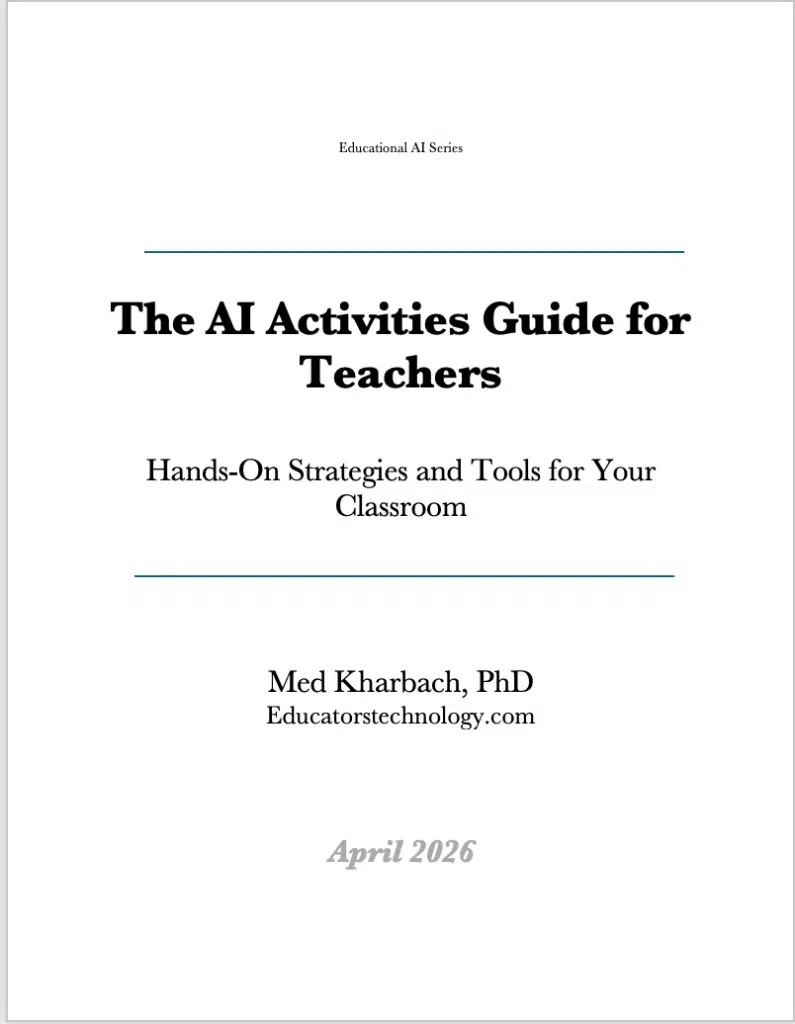
I’ve spent the past few months pulling together something I wish I’d had years ago when I first started experimenting with AI in my own teaching. The AI Activities Guide for Teachers is a free, downloadable PDF packed with practical activities and curated tool recommendations across four core subject areas. It’s now available on Educators Technology, and I wanted to walk you through what’s inside.
The guide grew out of a pattern I kept noticing at conferences and workshops. Teachers would come up to me after sessions and ask the same question: where can I find AI activities I can actually use in my classroom tomorrow? They weren’t looking for theory or policy statements. They wanted concrete ideas, real tools, and clear guidance on what works and what doesn’t. This guide is my answer to that question.
What the Guide Covers
The guide is organized into four subject-specific sections: social studies, math, language learning, and science. Each section includes a set of hands-on activities you can adapt to your grade level and context, plus a curated table of AI tools with frank notes on what each one does, what it costs, and where it fits in your teaching. Every activity follows the same principle: AI handles the production work, the teacher and students handle the thinking.
For social studies, I included twelve activities ranging from first-person historical narratives and bias detection exercises to simulated civic processes and deepfake literacy lessons. Social studies classrooms are a natural testing ground for AI because spotting bias is already part of the curriculum.
Students who prompt an AI to describe an event from four national perspectives and then map the contradictions are building critical thinking skills that go beyond any single lesson. The tools table adds 19 curated recommendations, from Humy.ai for historical figure simulations to Transkribus for transcribing handwritten primary source documents.
The math section takes a different angle. Seven activities focus on using AI as a verification and practice tool, not a shortcut. Students solve problems by hand first, then use AI to check their reasoning, catch errors in AI-generated solutions, and build their own differentiated practice materials.
One of my favorites is the flawed worksheet activity, where students get an AI-generated problem set with deliberate errors baked in and have to find them. That kind of exercise builds math knowledge and a healthy skepticism toward AI output at the same time. The math tools table covers 18 recommendations, including Photomath, Desmos, MATHia, and Wolfram Alpha.
Language learning gets six activities built around the reality that most language classrooms serve students at multiple proficiency levels speaking different home languages. AI can generate custom listening labs, run structured conversation role-plays with built-in correction, and translate lesson materials for a new student who arrived mid-semester speaking a language nobody else in the building knows.
I also included a note on the debate around AI chatbots as conversation partners, because unstructured chatting with a bot isn’t the same as a well-designed speaking exercise. Twenty-one tools round out the section, covering everything from writing feedback platforms like Grammarly for Education to text-to-speech readers like Microsoft Immersive Reader.
The science section covers six activities centered on case studies, machine learning experiments, differentiated reading, and assessment design. Science teachers face a specific challenge AI can address: generating case studies tailored to a learning outcome, grounded in real phenomena, and pitched at the right reading level takes five minutes with AI. It used to take an afternoon.
I also included a Google Teachable Machine activity where students train their own classification model, then deliberately try to break it with edge cases. The science tools table is the largest in the guide with 22 entries, spanning virtual lab platforms like Labster and PhET, 3D anatomy viewers like BioDigital Human, and AI grading tools like Gradescope.
Tools Tables for Every Subject
Every tool entry across all four sections tells you what it does for your specific subject, not just what the company says on its website. I’ve noted which ones are free, which require subscriptions, and which offer institutional plans. The guide also includes full source lists for every section so you can trace where the activity ideas came from and explore the research yourself.
Download the Guide
The full guide is available as a free PDF, licensed under Creative Commons so you can share it, adapt it, and use it in professional development sessions. A French version is also available for francophone educators.
I built this guide because teachers keep telling me they need practical resources, not another think piece about AI in education. If you find it useful, share it with a colleague who’s been curious about AI but hasn’t known where to start.

